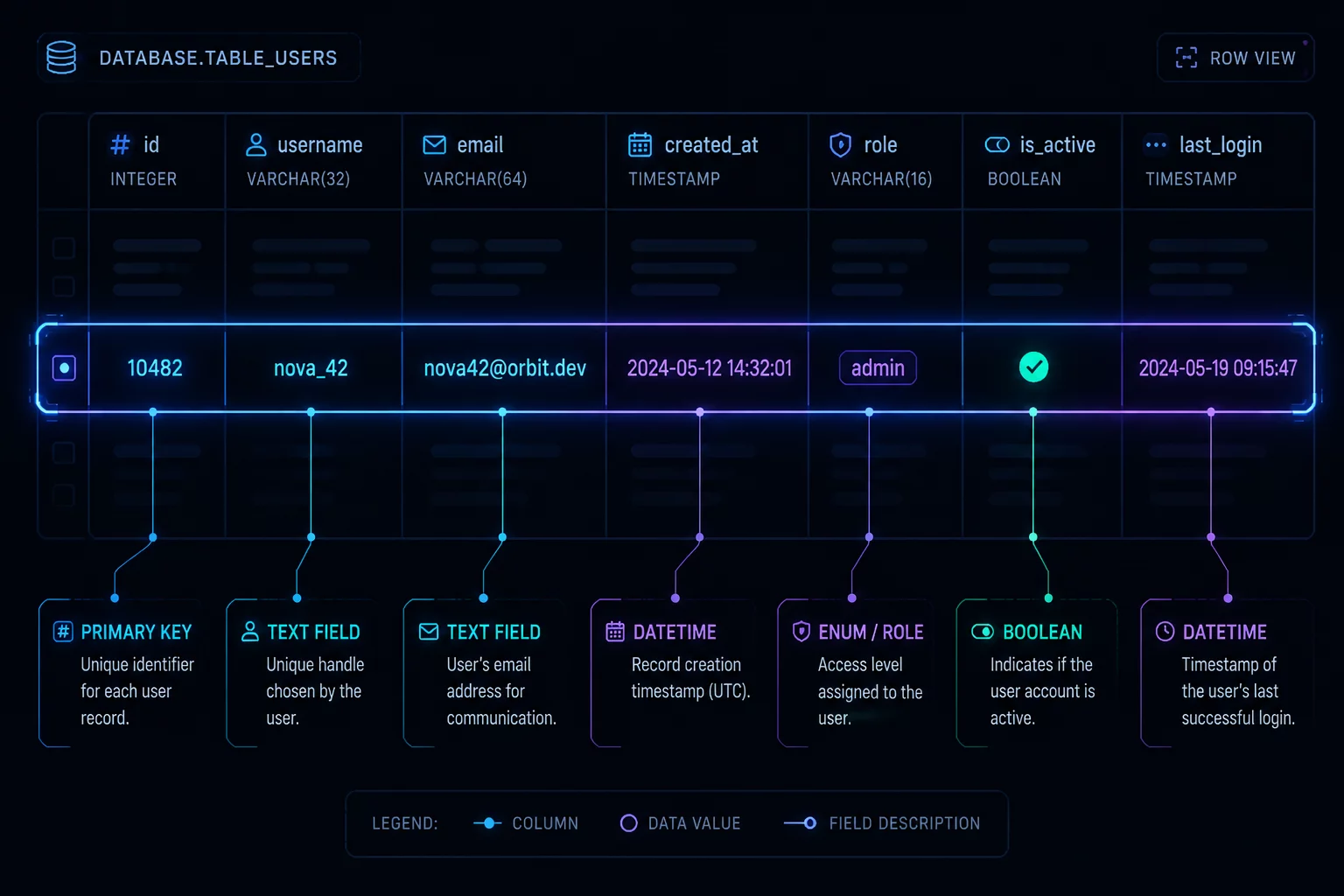
Core Problem & SQL Analysis
Before writing a single line of SQL, you must define exactly what one row in your final output represents. This is the foundation of row granularity. When engineers skip this step and immediately start joining tables, they often introduce duplicate rows and inflate critical business metrics. For example, if your business question asks for 'revenue per user', then every row in the output must correspond to exactly one user. If you join the user table with a transactions table without aggregating transactions first, a user with multiple transactions will appear on multiple rows. When you then try to sum the revenue or count the users, the results will be completely distorted because the underlying grain of the output is a user-transaction combination, not a single user. Establishing and writing down the intended meaning of a single result row acts as a contract for your query logic, ensuring that every join, filter, and aggregation keeps this grain intact. To avoid these common mistakes, developers should document the grain in a comment block at the very top of their SQL script before writing any code.
Why This Query Intent Fails
Often in production data environments, developers default to simple joins without reviewing the row multiplicity. When duplicate keys exist or table joins do not represent direct dependencies, metrics like revenue and active user count become inflated.
Key Takeaway
Always verify the primary keys of joined datasets and execute aggregate checks before using nested layouts. Improperly scoped aggregation levels will distort downstream BI dashboard reports.
Discussion & Reviews
No Comments Yet
No comments yet. Be the first to leave a comment.
Leave a Comment